
A useful ChatGPT caricature prompt describes the person, the intended mood, and the final use of the portrait. A long list of effects is less useful when you cannot explain which facial details should stay recognizable. The examples below are reusable visual descriptions, not a comparison of models or a promise that different tools will reproduce the same picture. Each generation still needs a likeness and detail check.
Before refining a prompt, prepare a caricature from photo with one visible face and clear eyes. A description cannot reliably recover details hidden by blur, shadows, or an obstructed reference. If you use CaricAI, choose its style and exaggeration controls first, then add a focused description in the optional prompt field. The caricature generator explains those controls; the caricature maker helps you choose the composition for the finished project.
A prompt structure you can actually review
Write four short parts: the person to preserve, the exaggeration and tone, one relevant scene detail, and the intended framing. For example, preserve the reference person’s curly hair and round glasses; use gentle exaggeration and a warm smile; add one guitar; keep a central half-body portrait with a simple background. Each part gives you a specific question to check in the result.
Choose identity details from the reference, rather than inventing a new facial description. If your friend’s glasses and hairstyle are recognizable, name those features. Avoid prescribing an unrelated nose, eye shape, or age merely because a generic prompt example includes it. The caricature can exaggerate the face while still retaining the features that connect it to the person.
Keep the final use in the prompt when it affects the composition. An avatar needs a readable face and crop space. A card needs an area for a greeting. A career portrait needs a relevant visual cue. Exact names, dates, company wording, and birthday messages are easier to verify as editable text added after download. Do not ask one image to carry every hobby, a complex background, and a full paragraph of writing.
1. A recognizable social avatar
Create a friendly caricature of the person in the reference. Preserve their curly hairstyle, round glasses, and recognizable smile. Use gentle exaggeration, a centered head-and-shoulders composition, and a plain background. Leave room around the head for a circular crop. Do not add lettering.
Replace the identity details with the ones actually visible in your photo. Start square when that option suits the destination, then test the downloaded image in the real profile frame. A circular crop removes the corners, so an important hairstyle or prop placed near an edge can disappear. Reduce the result to a thumbnail and check whether the eyes and expression remain clear.
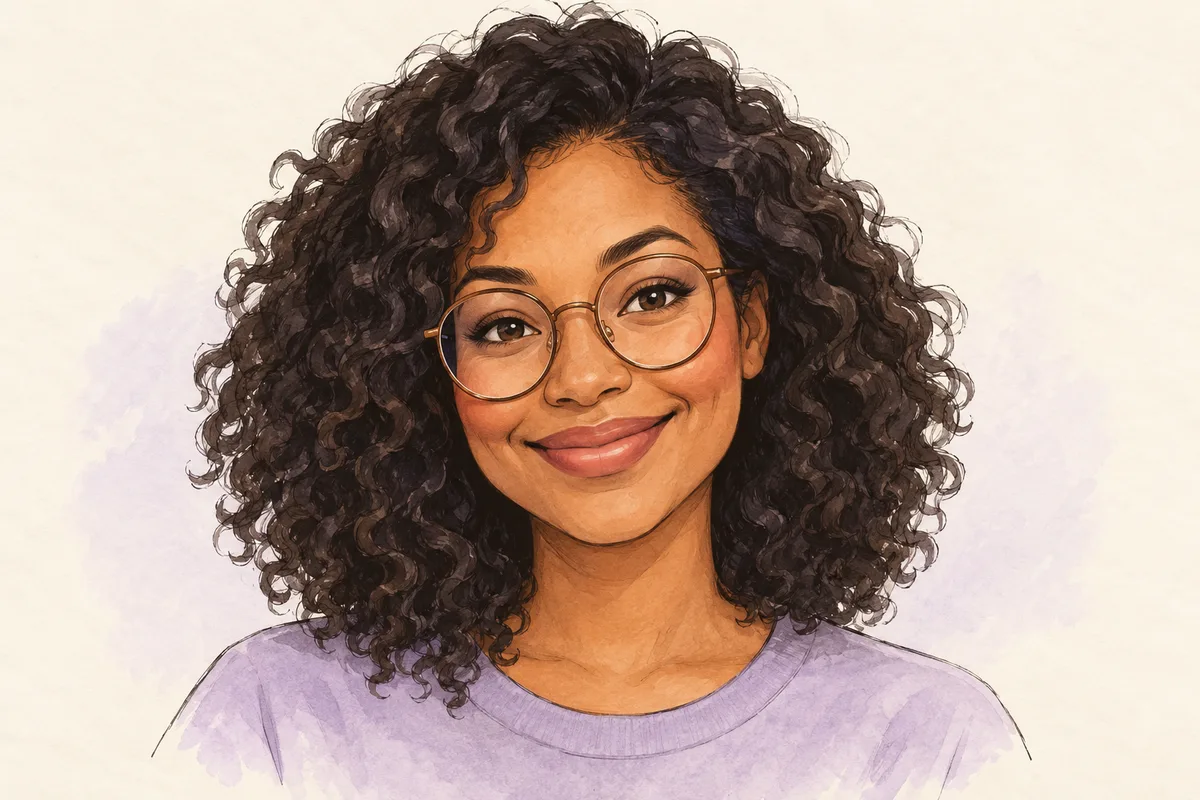
AI-generated concept illustration, not a CaricAI task result. Compare the square and circular avatar examples before choosing the crop.
2. A birthday card with greeting space
Make a warm birthday caricature of the person in the photo. Preserve their hairstyle and smile, with gentle exaggeration. Add one small celebratory detail and leave a quiet area above the portrait. Keep the face as the main subject. Do not generate written words; I will add the greeting separately.
The blank area is a layout request, not a guarantee that the result will match a particular card template. Choose the card shape early and check the actual downloaded portrait inside that template. If the face fills the entire image, use a separate text panel rather than covering facial features. The birthday caricature maker guide takes this project through reference selection, the portrait, exact greeting text, and the final delivery check.

AI-generated composition example. Add an accurate name and greeting during the finishing stage.
3. A consistent career portrait series
Create a welcoming career caricature with gentle exaggeration and a head-and-shoulders crop. Preserve the person’s distinctive hairstyle and glasses. Use a calm background, a warm expression, and one prop relevant to the selected profession. Keep the framing consistent with the other individual portraits and avoid logos or lettering.
In CaricAI, choose the matching Professional Character role when available, then use the description for framing and personal details. For a series, record the same style, exaggeration, crop, and background direction for each person. Generate and review individual portraits separately. Similar instructions can still produce differences; put the results next to each other before publication and confirm each person is comfortable with their portrayal.
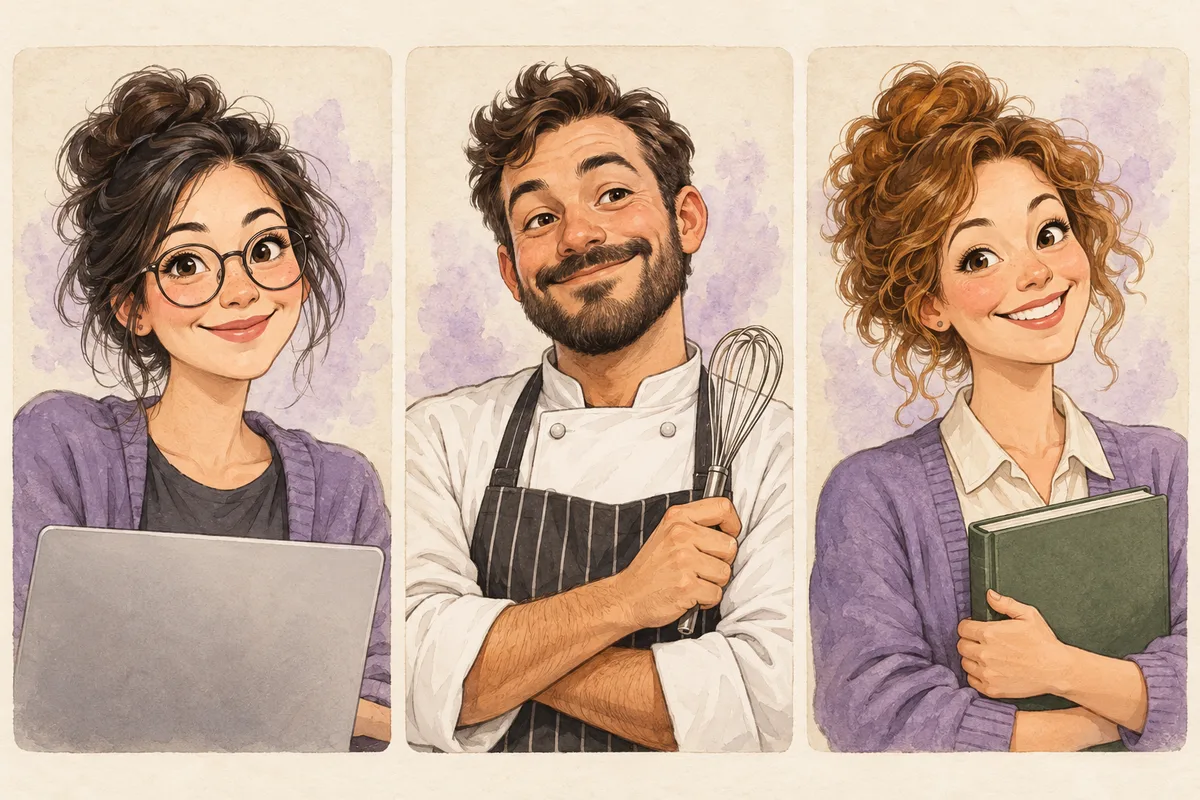
AI-generated team-series concept. This illustrates separate portrait cards, not a group-photo or batch-generation feature. The professional caricature maker explains role choices and checks for career props.
4. A single hobby detail
Make a friendly half-body caricature of the person in the reference with one acoustic guitar. Keep the face clear, preserve the distinctive hair and glasses, and use moderate exaggeration. Use a simple background without a crowded stage. The instrument should support the portrait rather than obscure the person.
Change the hobby and its prop together. Cooking could use one whisk, while painting could use one brush; a list of instruments, tools, trophies, and scenery makes the scene harder to review. Inspect the hands and prop closely. If the object repeatedly distracts from likeness, use a simpler version of the idea instead of asking for additional decorations.
5. A portrait intended for a printed keepsake
Create a warm portrait caricature with a simple background and generous space around the head and shoulders. Preserve the person’s distinctive facial features. Keep important details away from the edges and do not add text. I will place the downloaded image into a separate print layout.
The description helps plan composition, but it does not establish print resolution or add bleed to a provider’s exact specification. Check the downloaded pixels, then use the caricature print size guide and its PPI calculator. Recalculate after cropping. Add text and prepare the export in the actual template, and inspect a proof before ordering physical copies.
Correct one problem at a time
When likeness is weak, compare the reference and output before rewriting the prompt. Are the eyes obscured in the source? Has strong exaggeration changed a familiar feature too much? Is the face too small in a busy composition? These problems call for different changes. Start with a clearer reference or a more moderate setting when appropriate, instead of assuming that a longer description will fix every issue.
For an overcrowded scene, remove secondary objects and request a quieter background. For a small face, request a closer head-and-shoulders composition. For a card without message space, ask for a quiet area or move wording to a separate layout panel. For incorrect hands or props, simplify that detail and inspect it again. Keep notes on which change you made, so you can assess its effect.
CaricAI’s optional description provides additional direction within the selected style workflow. It is not a way to edit exact pixels in an existing result. Another generation can change other details and uses the displayed credits. Review the cost and balance before submitting, and keep any result you may want to use before trying another version.
Review the final destination
Check recognition first, followed by the expression, glasses, hands, clothing, and relevant prop. Preview an avatar at its actual display size and a birthday image with its final greeting. For print, use the downloaded file’s dimensions and the provider’s requirements. A good large preview alone does not settle those destination-specific checks.
Start with the AI caricature generator and use these descriptions where they add necessary detail. For reference selection and the complete basic workflow, read how to create a caricature of me. Keep the brief focused enough to explain what a successful result should look like before generating it.